Scope 01
Brand and UX architecture
Positioning, content hierarchy, and user journeys that turn a complicated offer into a clear path forward.
Click and Mortar / Web design & automation
Click and Mortar is a web design and automation studio founded by Tommy Kochavy. We build custom websites and connect the forms, booking tools, and follow-up systems that help businesses handle inquiries.
Strategy before decoration
Live content before effects
Useful paths on every screen
Claims stay evidence-bound
Scope the lot
Choose the situation that is closest to yours. The site reorganizes the recommendation without pretending the project is already understood.
Recommended build path
Plan a new digital property from the ground up around the audience, content, and next action.
First move
Begin with audience, goals, content, and scope.
Primary scope
Brand and UX architecture
Capabilities / One structure
Four connected systems keep the property useful after launch.
Scope 01
Positioning, content hierarchy, and user journeys that turn a complicated offer into a clear path forward.
Scope 02
Distinctive interfaces and persuasive content systems built around the decisions visitors need to make.
Scope 03
Responsive production builds connected to the forms, data, commerce, and operational tools behind the site.
Scope 04
Technical foundations, measurement, and reusable content patterns designed for discoverability and iteration.
Build sequence / 01–04
Define the audience, business goal, offer, constraints, and evidence the site needs to carry.
Shape the hierarchy, copy direction, interaction system, and visual language around the desired action.
Build the responsive experience, connect the required systems, and test the important journeys.
Complete quality checks, measurement, handoff, and a practical plan for what comes next.
System structure
Brand, interface, engineering, integrations, and growth foundations are planned as one property—not separate decorative layers.
Selected work / Built with purpose
Explore the websites behind the build. Choose a project for a closer look at the design and details.
Real work. Solid foundations.
A few digital properties worth a closer look. Open any project to explore the details.
Explore the whole portfolioInspection protocol / 04 checks
The useful page arrives first. Motion, media, and character performance remain optional enhancement layers.
Read the working methodCheck 01
The useful structure remains intact across screen sizes.
Check 02
Keyboard access, visible focus, and semantic content stay in frame.
Check 03
Meaningful content arrives before optional media enhancement.
Check 04
Every route retains a readable and relevant next action.
From the studio / Field Notes
Practical guides to useful design, lead automation, and AI workflows. Built from the questions that come up during real website work.
AI workflows / 6 min read
Turn a website brief into verifiable agent work with concise project instructions, a downloadable starter kit and a small acceptance-test example.
Read the field note : Project instructions for AI website work: a tested starter kitWeb design / 5 min read
A practical website handover checklist for source code, domain control, hosting, integrations and recovery, with evidence a buyer can ask a developer to show.
Read the field note : Website handover checklist: what you need to own and operate your siteAI workflows / 4 min read
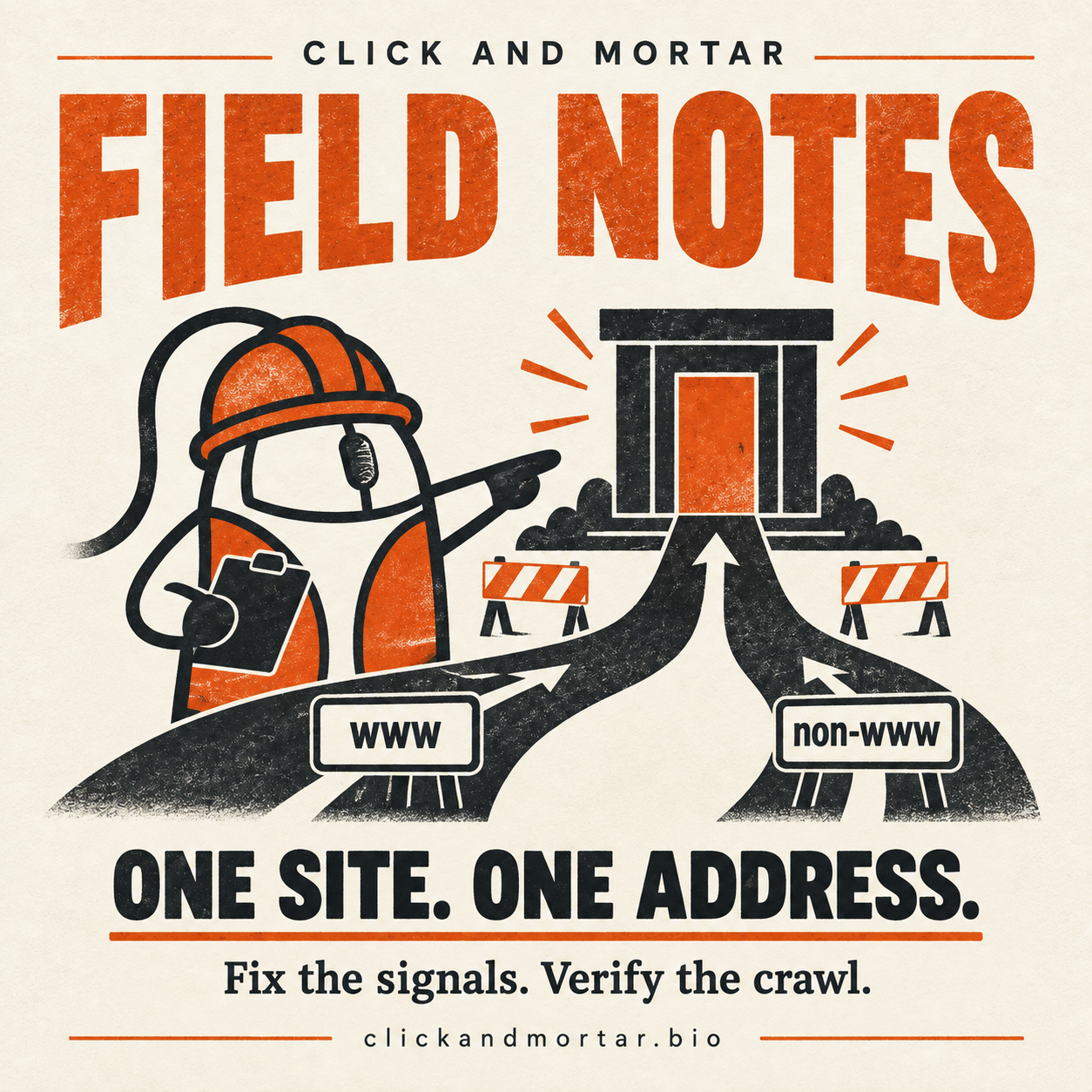
Trace a www versus non-www canonical mismatch with Search Console and HTTP evidence, then verify redirects without claiming an instant indexing fix.
Read the field note : Google chose a different canonical URL: a practical diagnosisSite office / Open
Selected route
Use a discovery call to clarify the problem, useful scope, and best next step.
Schedule a discovery call